Before stopping your server, download or copy any files in ~/workshop that you want to keep.
It’s important to stop your server when you’re not using it.
Hub Control Panel
Your “Hub Control Panel” allows you to manage your server.
To access the control panel, click File, then Hub Control Panel.
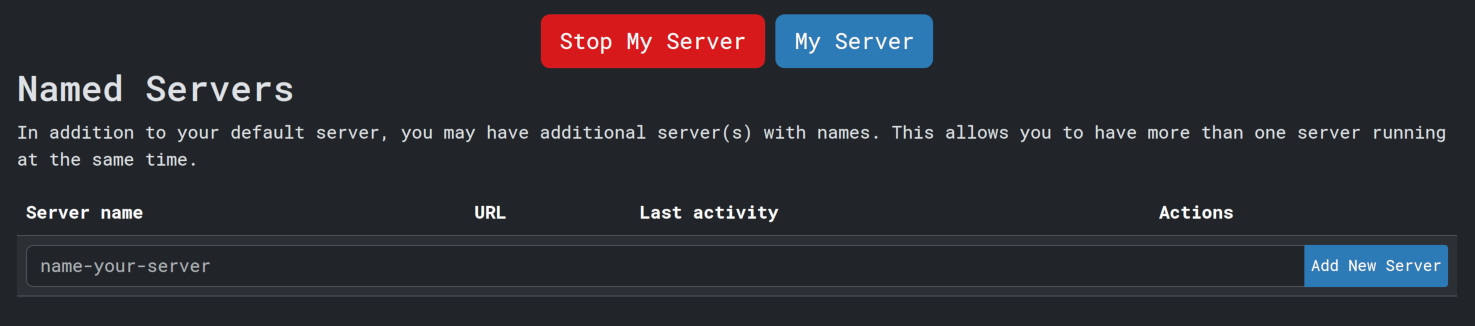
Click Stop My Server, and wait a few seconds. Once your server is stopped, the Stop My Server button will disappear.
Click Log Out in the top right of your screen and you will be logged out, or you can
start a new server.
You can now close this tab and the other tab where you were just working.